All tools run in your browser. Annotations embed directly into the PDF — no proprietary project files.
Streamlined Drawing Review
A guided review workflow that takes drawings from distribution through markup to sign-off — faster cycles, fewer missed comments.
Live
Ownership, Discipline & Role-Based Annotations
Every markup is tied to its author, discipline, and role. Documented revisions show exactly who approved what, and when.
Live
Offline & Cloud Collaboration
Work online or offline without missing a beat. Offline responses are automatically consolidated back into the master document once you reconnect.
Live
Annotation & Change Log Lists
Every markup and edit is captured in a structured, exportable log — searchable, filterable, and always in sync with the drawing.
Live
Audit History & Visual Status
Track responses, acceptances, rejections, and comments by revision and by user, with on-page visual status indicators for at-a-glance review.
Live
Secure Document Sharing
Share drawings with permission-controlled access, so reviewers, contractors, and clients see exactly what they should — nothing more.
Live
Team Management
Invite, organise, and manage reviewers and approvers across projects, with centralised control over access and licences.
Live
Business Branding & Complex Stamps
Set your business name, logo, address, website, email, phone, fonts, and colours once — applied automatically across markups and complex stamps such as shop drawings, for every user in your business.
Live
Markup Revisions & Document Status
Manage revision and drawing numbering, document status, and preferred legal statements — kept consistent across every submission.
Live
Advanced Review Tools (Professional)
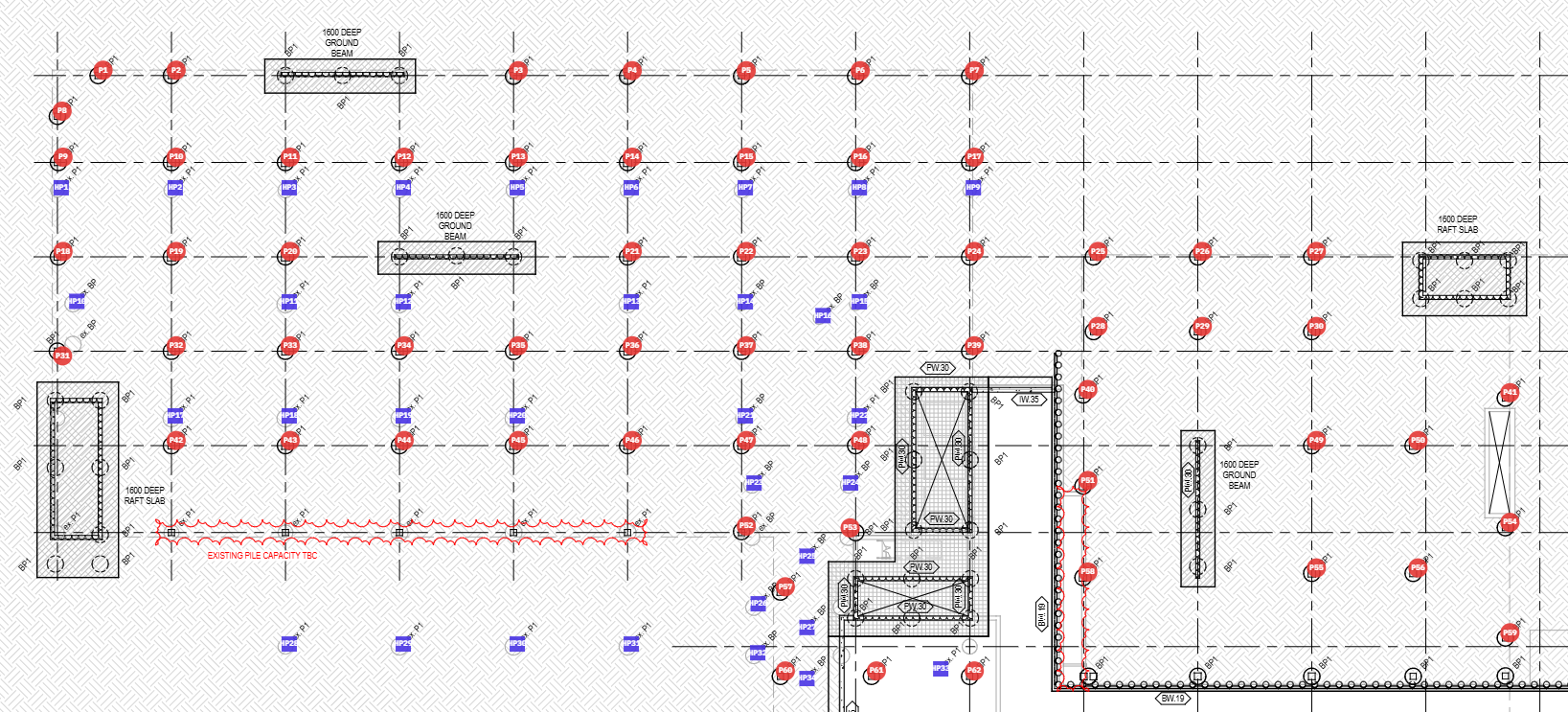
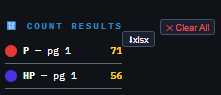
Count Similar Items, overlay comparison, and automatic PDF document comparison for fast, accurate revision checking.
Professional
Drawing Scales & Measurement
Set drawing scales locally or globally to measure length, angle, area, and perimeter — including single-click dynamic area and perimeter measurement.
Live
Professional Annotation Toolkit
Pen, highlighter, lines, polylines, polygons, arrows, rectangles, circles, rich-text sticky notes, and hyperlinks. Group, ungroup, mirror, and rotate objects; add or remove pages and documents; apply line styles and area hatch patterns — prioritised to match your business and client demands.
Live